Is Minecraft Dungeons 2 on Switch 2? Platforms & Cross-Play
Where you can play, how cross-play behaves, and what hardware actually matters for a co-op crawler.
Yes. Minecraft Dungeons II is a current-generation release: Windows, Steam, Xbox Series X|S, PlayStation 5, and Nintendo Switch 2 — with full online cross-play across all of them, up to four players.
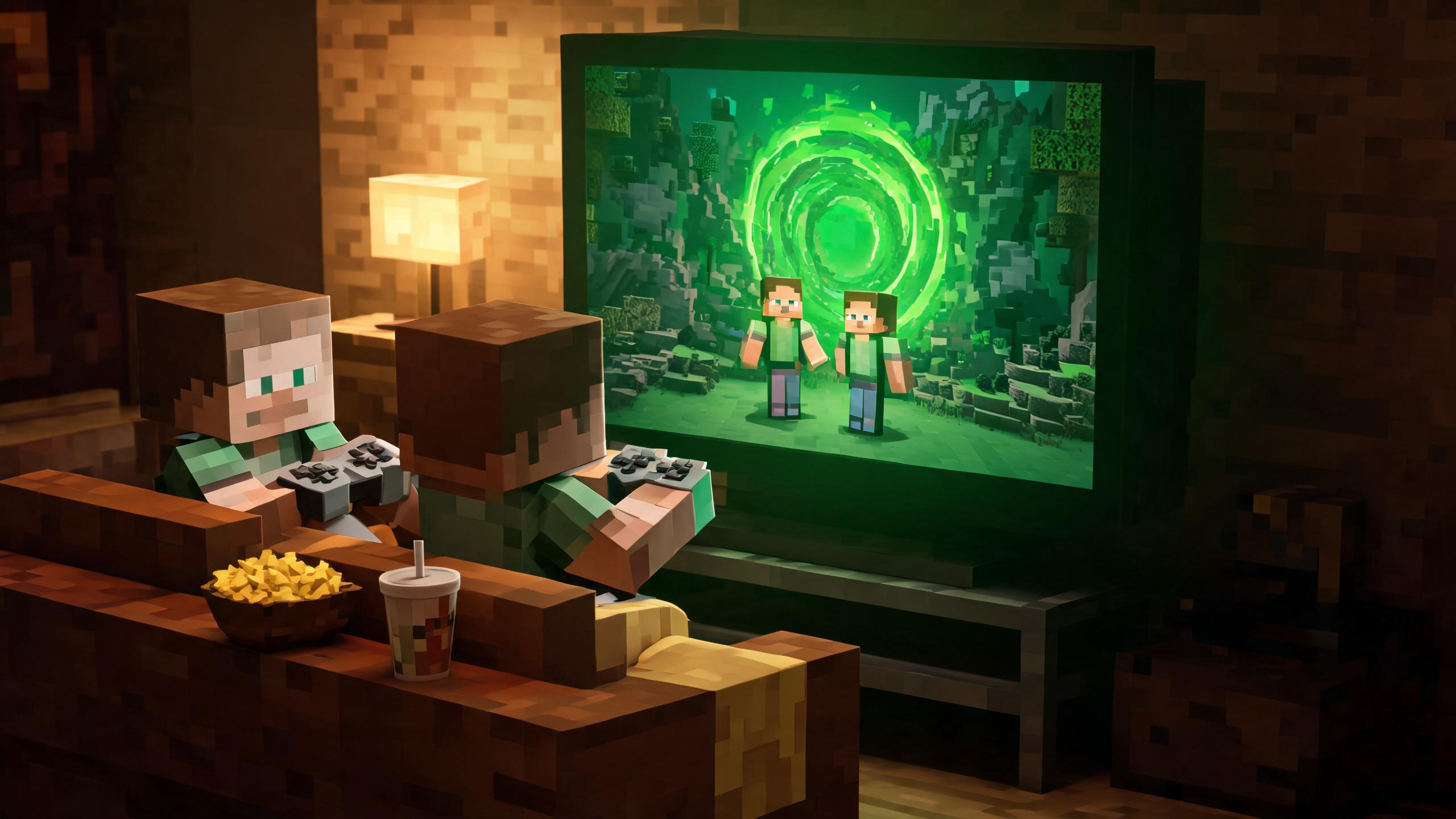
Confirmed Platforms
| Platform | Store | Notes |
|---|---|---|
| Windows PC | Microsoft Store | Windows 10/11 |
| Steam | Steam | Separate PC option with Steam features |
| Xbox Series X|S | Xbox Store | Current-gen Xbox only |
| PlayStation 5 | PS Store | Current-gen PlayStation only |
| Nintendo Switch 2 | Nintendo eShop | Nintendo's current platform |
Notably absent: PS4, Xbox One, and the original Switch. This is a current-generation-only release — a step up from Dungeons I, which launched on the previous hardware generation too. If your household is still on old consoles, the PC requirements are the cheapest way in.
How Cross-Play Works
All platform versions interconnect for online play. The sequel ships four co-op configurations:
- Online cross-play — any platform mixes with any platform, up to four players
- Couch co-op — local multiplayer on one machine, as in Dungeons I
- Mixed co-op — the new one: two or more players on the same console or PC plus additional players online, in one party
- Matchmaking — jump into a party of strangers looking for players; new for the sequel
Party codes round it out: share a code and friends join your session directly. For a four-player family spread across platforms, mixed co-op + party codes is the combination that makes launch week event content painless.
Playing on Switch 2
Switch 2 is the most interesting platform for this game for one reason: couch co-op in handheld-to-tablet mode is where the Dungeons formula is strongest — pass a controller, run a couch duo with a mixed-co-op friend online. Co-op crawlers suit the pick-up-and-play loop better than any other genre.
What we'll verify at launch on Switch 2 specifically: frame rate in four-player event content, and whether cross-play parties with PC players hold a stable session. Performance notes publish here once tested.
Hardware Worth Having (If You're Buying Anyway)
We keep this section short and honest: you don't need accessories to enjoy this game. These are the purchases that actually matter for a four-player couch household — links are affiliate links; using them supports the site at no extra cost.
- Extra controllers for couch co-op — you need one per couch player: Switch 2 Pro Controllers on Amazon · Xbox controllers · DualSense controllers
- Storage for a growing library — current-gen games are chunky: microSDXC cards for Switch 2
If you're buying the console itself for this game, hold for stock at major retailers rather than paying marketplace markups — that's the whole advice; there's no secret.
Pick Your Platform: Quick Decision Guide
| Your situation | Best platform | Why |
|---|---|---|
| Solo, want best visuals | PC (Steam or MS Store) | Hardware ceiling, Steam features |
| Couch duo / family | Switch 2 or Xbox | Couch co-op strength, mixed co-op support |
| Friends already on PS5 | PS5 | Cross-play works, but same-platform parties are simplest |
| Cheapest way in | PC you already own | No console purchase required |
Release timing and pre-order details are in the release FAQ. Once you've picked a platform, start with the 10 beginner tips and pick a build archetype before hour one.